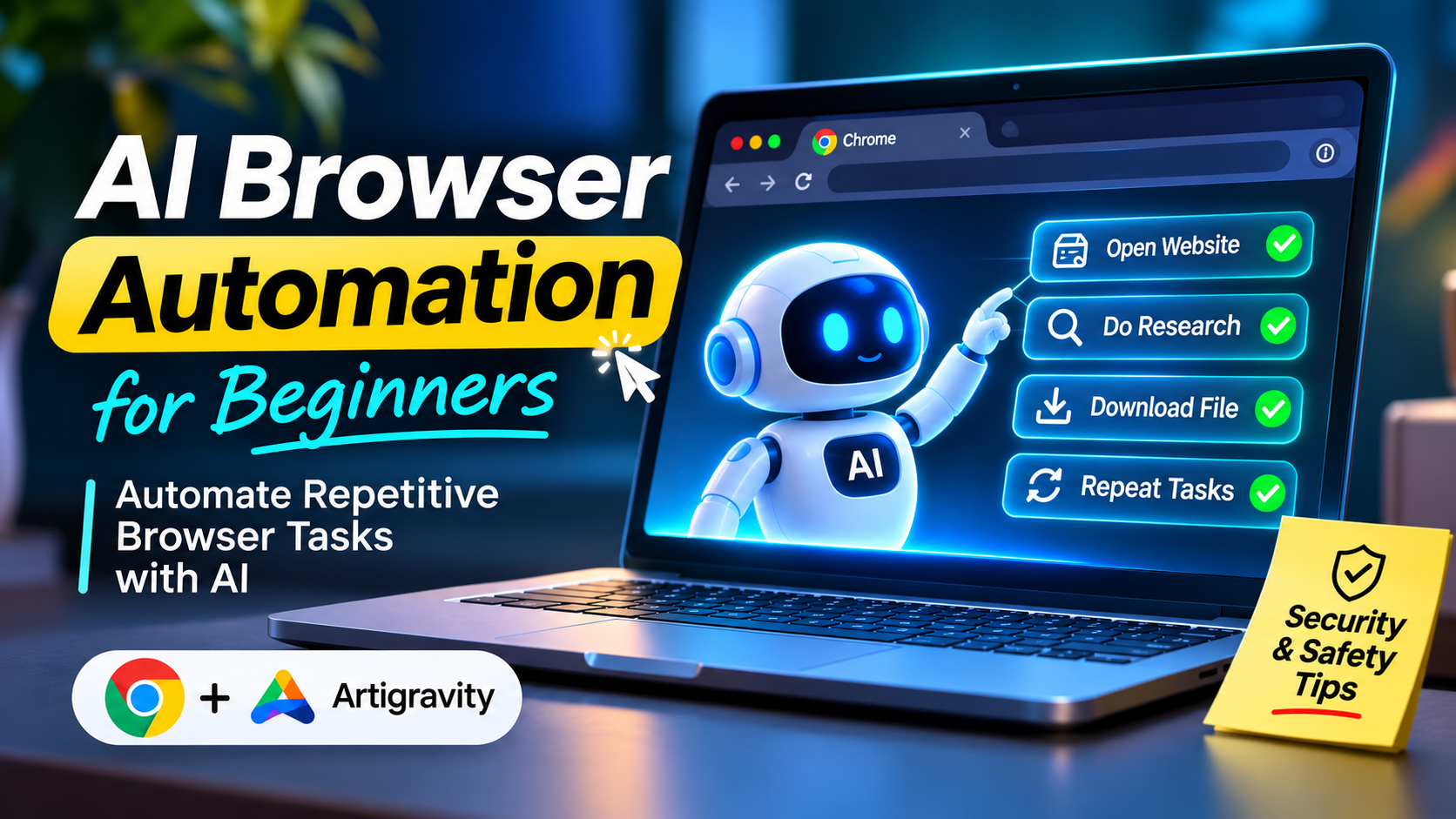
AI Browser Automation for Beginners – How to Automate Repetitive Tasks
Learn how to use AI browser automation, how to use Antigravity to automate repetitive tasks in your browser, and the important safety considerations for beginners.
Found 11 articles tagged with #AI Tools.

Learn how to use AI browser automation, how to use Antigravity to automate repetitive tasks in your browser, and the important safety considerations for beginners.

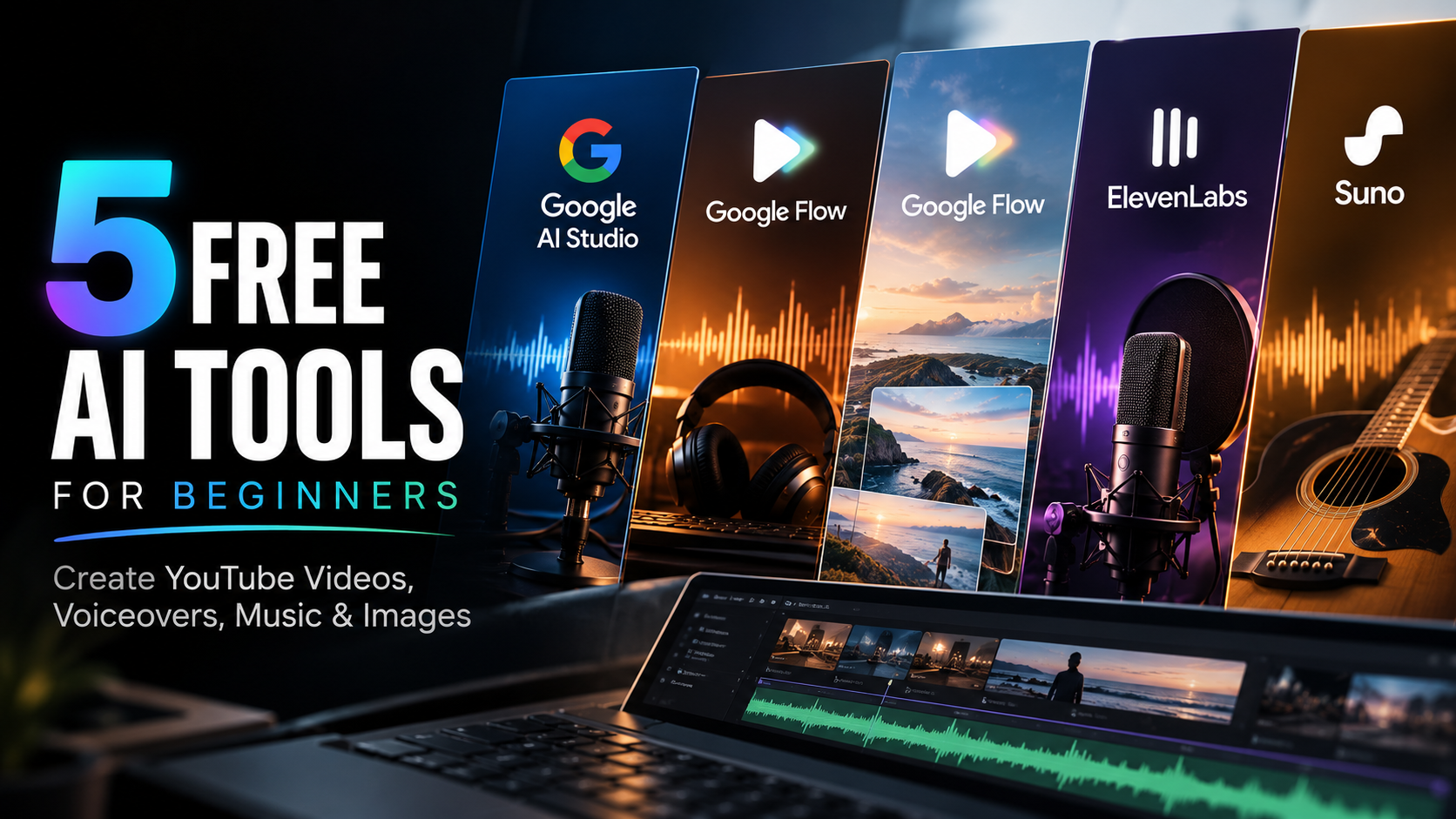
Discover 5 free AI tools for beginners to create YouTube voiceovers, AI music, images, and videos. Learn about free-plan limits and commercial-use restrictions.

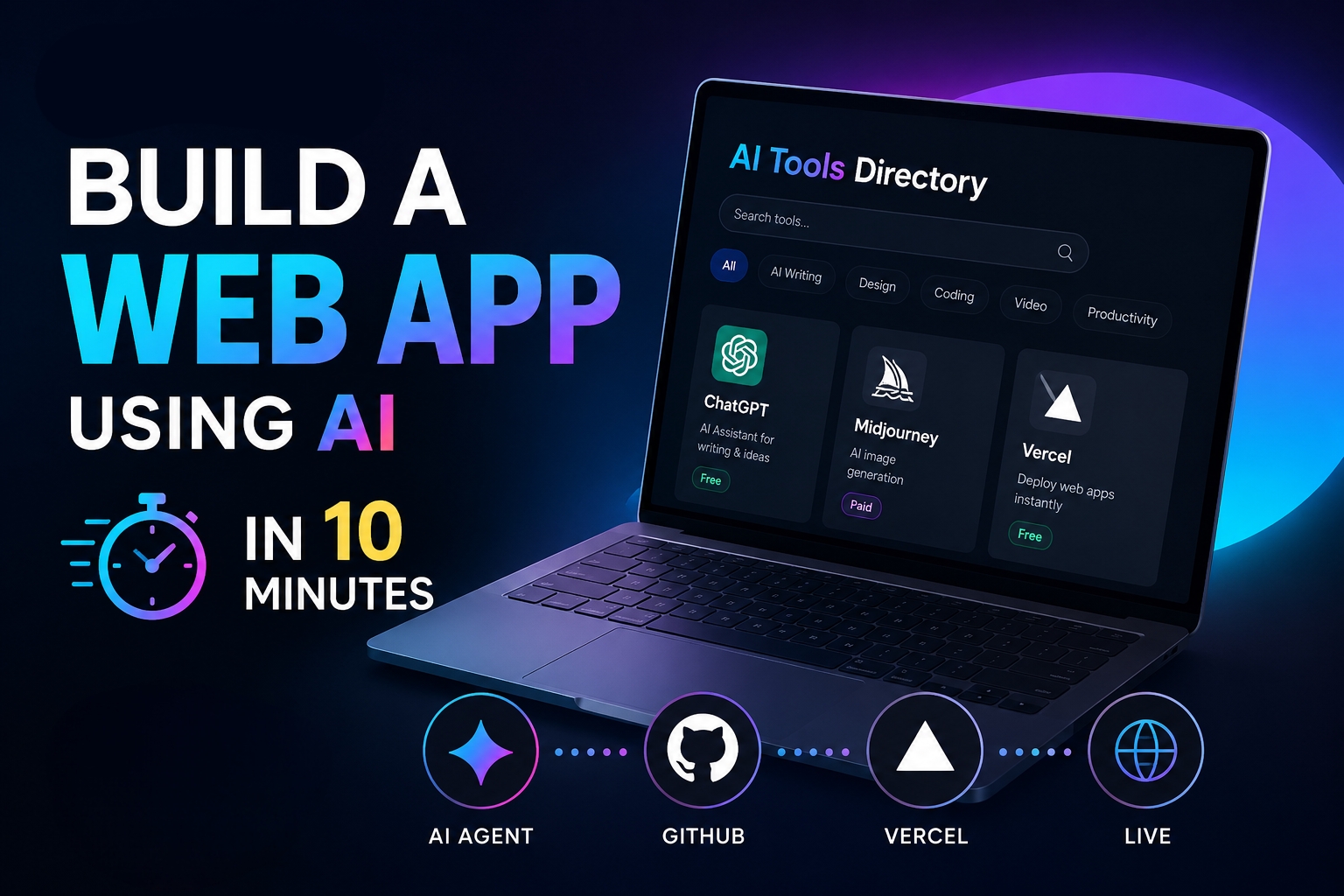
Learn the step-by-step beginner workflow to create, preview, and deploy a working web app for free using AI coding agents, GitHub, and Vercel.

Google is offering 1 year of Google AI Plus for free and up to 74% off Google AI Pro with YouTube Premium for college students. Here is how to claim it.

Stop guessing how the YouTube algorithm works. Learn how YouTube tests, ranks, and pushes videos with real retention and CTR benchmarks.

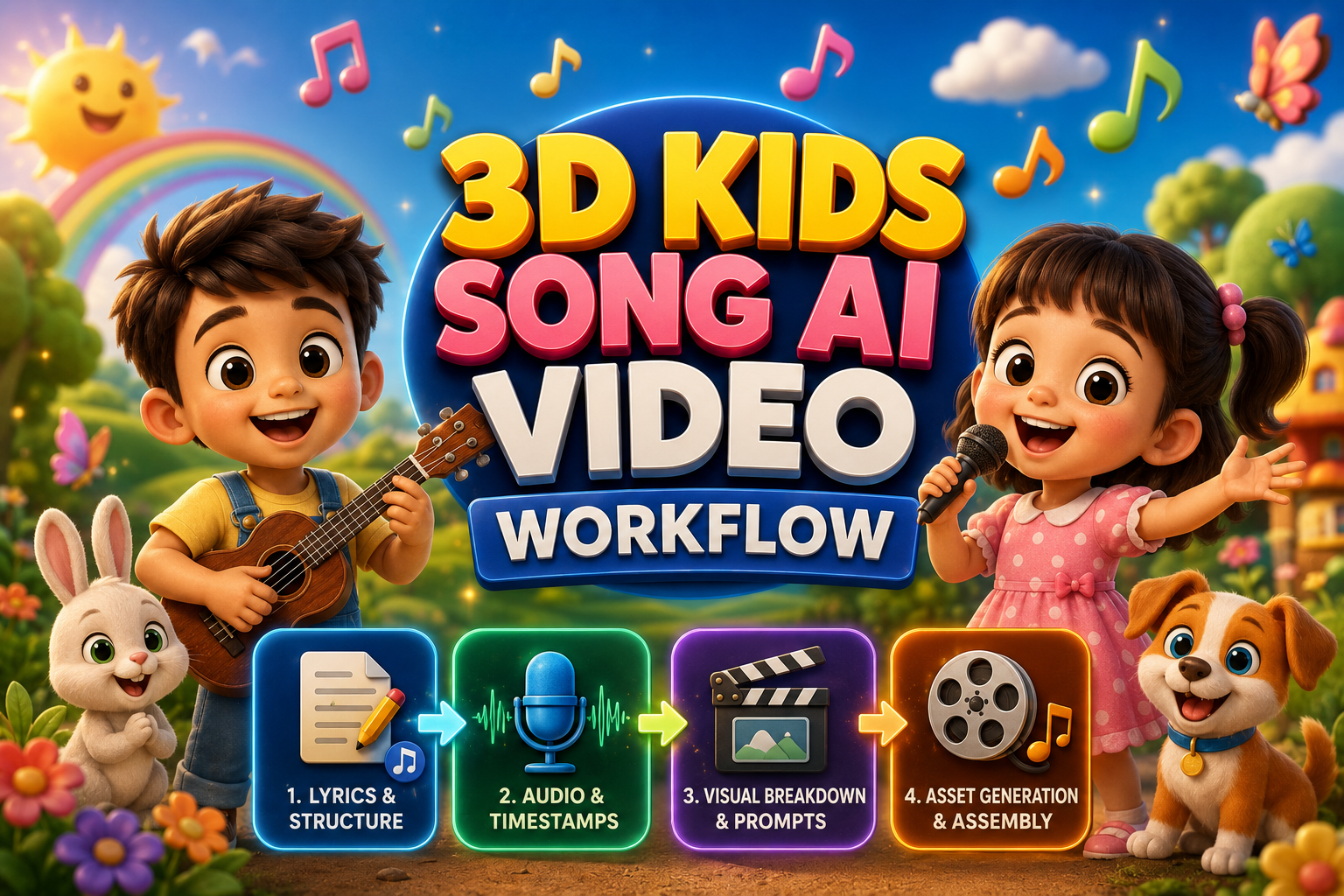
Discover the easiest AI workflow to create vibrant 3D kids animation videos from scratch—no 3D modeling or animation experience needed.

Discover how to recreate viral motion graphics reels in minutes using AI, multimodal analysis, and next-gen video diffusion models.

Master the complete step-by-step pipeline to create viral Pixar-style 3D animated kids stories using Google Gemini, Google AI Studio, and Google Flow with zero budget.

Unlock the secrets to monetizing AI-generated videos on YouTube without risking demonetization. Discover a comprehensive guide to building an AdSense-safe, human-curated AI video workflow.

Learn how to create a realistic AI video using Google Flow, from generating a photorealistic image to adding dialogue and gestures, all in one seamless workflow.

Learn how to install and run Google Gemma 4 AI offline on Windows, Mac, and mobile using Ollama with zero internet dependency.