Run Google Gemma 4 AI Offline on Mobile and PC for Free
Learn how to install and run Google Gemma 4 AI offline on Windows, Mac, and mobile using Ollama with zero internet dependency.
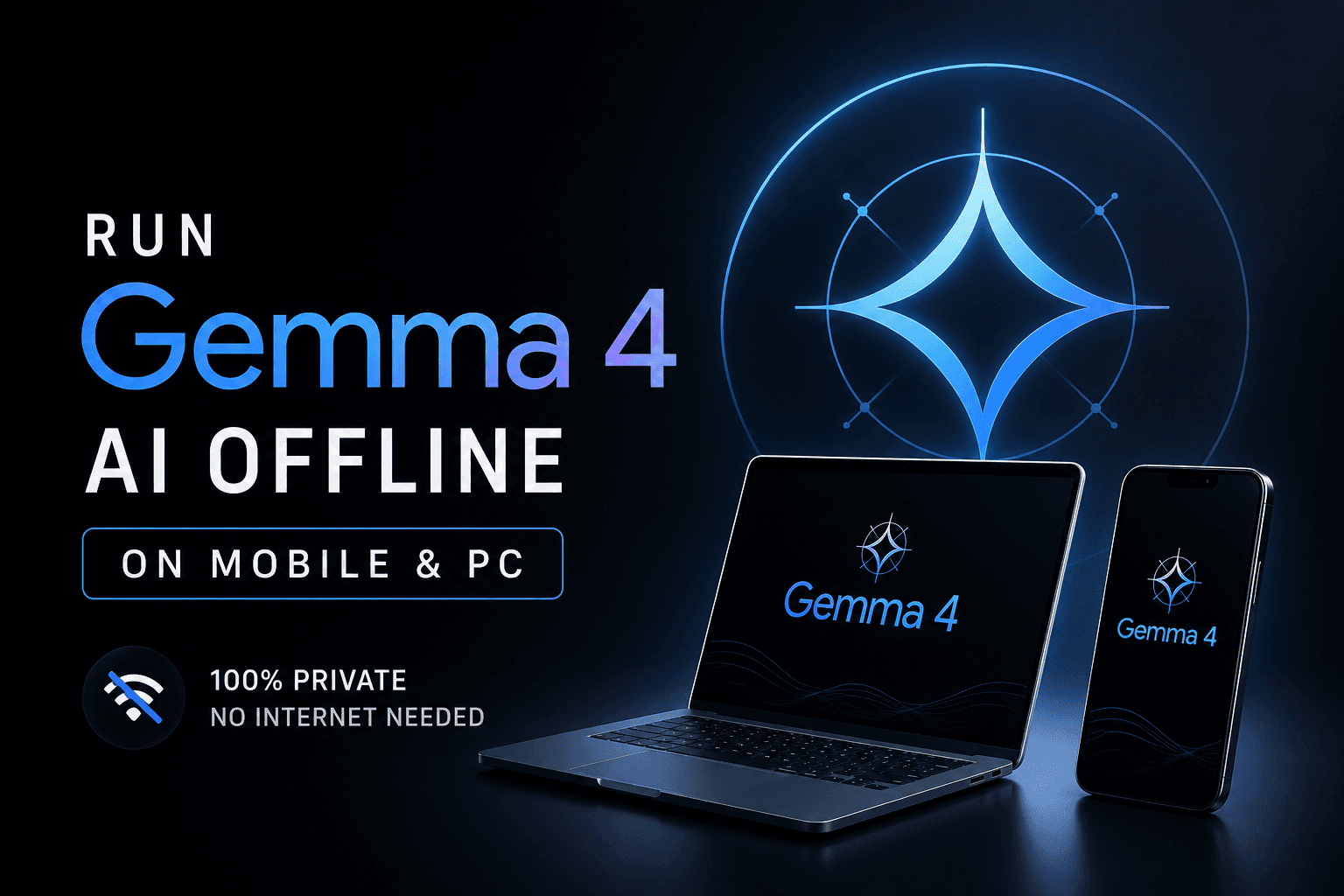
Cloud-based artificial intelligence infrastructure comes with hidden costs: high monthly subscription paywalls, data privacy issues, and a mandatory internet dependency. If you are a digital creator, developer, or freelancer striving to optimize net business returns in 2026, shifting to a localized workstation model is a massive upgrade. Google has officially disrupted this domain with its latest open-source breakthrough—Google Gemma 4.
Operating completely offline without utilizing an internet connection or cloud credits, the Gemma 4 framework enables local prompt rendering, computer vision, and high-fidelity audio transcription directly from consumer-grade hardware like laptops and mobile phones. In this comprehensive technical guide, we will break down the precise setup architecture, local tools initialization, and how to weaponize offline AI pipelines for scalable monetization.
💻 Local Hardware Benchmarks & Core Architecture
The biggest misconception is that running state-of-the-art LLMs locally requires massive enterprise server rigs. Thanks to advanced quantization methods, you can deploy Gemma 4 seamlessly on mid-tier hardware configurations, such as a standard laptop hosting a Ryzen 5 processor accompanied by 16GB of system RAM.
Depending on your technical workflow and processing thresholds, Gemma 4 targets different system layers:
- Gemma 4 E2B Parameters: Optimized for rapid text generation prompts, code syntax corrections, and structural iterations directly inside local workflows with minimal hardware overhead.
- Gemma 4 31B Version: Deployed for complex semantic logic parsing, programmatic tasks, and contextual database interactions requiring deeper multi-layered inference arrays.
⚡ Step-by-Step Installation with Ollama (Windows & Mac)
To run open-source AI models entirely inside a localized subsystem, the absolute industry-standard wrapper is Ollama. It acts as an orchestrator that manages CPU/GPU processing pipelines without relying on external web requests.
- Navigate to the official Ollama platform, download the localized binary installer compatible with your operating system (Windows or macOS), and complete the initial setup.
- Launch your native terminal interface (Command Prompt on Windows or Terminal console window on Mac).
- Initiate the model compilation engine by typing the execution parameter command:
ollama run gemma4 - The background engine will automatically parse, verify the model layers, and launch an offline conversational prompt environment inside your local shell.
Mobile Setup Extension: By linking specialized local terminal emulation software or lightweight companion apps on your mobile device, you can host the lightweight quantized structures of Gemma 4 directly within your smartphone storage. This grants you a 100% free, highly reactive AI assistant functioning deep inside dead zones, airplanes, or settings with zero network coverage.
🔍 Advanced Native Suites: Gemma Vision & Audio Scribe
Gemma 4 is not just a standard conversational text engine; it incorporates powerful multi-modal architectures that allow you to analyze complex sensory media assets offline:
1. Gemma Vision (Visual Data Extraction)
By passing visual image assets through the local vision model layers, the engine can execute deep asset segmentation. A massive monetization use case for content developers and UI/UX testers is passing complex design assets or wireframe images to automatically generate structured JSON layouts, prompt descriptions, or raw structural code variables without using cloud keys.
2. Audio Scribe (Localized Speech-to-Text)
Transcription tools online often require steep minute-by-minute pricing matrices or pose privacy hazards for proprietary data. The local Audio Scribe layer interprets acoustic speech files locally, converting them into precise structural text formats with absolute privacy, making it an incredible asset for transcribing audio interviews, legal materials, or video captions.
💰 High-Margin Monetization Strategies for Local AI Workflows
By bringing your operating overhead down to zero dollars, every single dollar earned from your freelance or creator workflow becomes pure net margin. Here is how you monetize this local setup:
- Bulk Transcription & Script Writing Agencies: Use the offline Audio Scribe feature to accept massive audio transcription contracts or repurpose hours of voice audio files into highly structured blog scripts or video prompts for clients with zero API processing charges.
- Premium Prompt Engineering Packs: Utilize Gemma Vision offline to feed random aesthetic images and reverse-engineer them into hyper-detailed Midjourney or Stable Diffusion text prompts. You can pack these complex blueprints and sell them as visual prompt asset bundles online.
- Absolute Enterprise Data Privacy Consultation: Many modern corporate clients refuse to upload sensitive financial or personal parameters onto cloud environments like ChatGPT due to compliance issues. You can charge premium service rates by establishing secure, localized, 100% offline Ollama-based corporate setups for these businesses.
Watch the Full Video Tutorial
Related Articles
How to Build a Web App for Free Using AI in 10 Minutes
Learn the step-by-step beginner workflow to create, preview, and deploy a working web app for free using AI coding agents, GitHub, and Vercel.

How to Get Free Google AI Plus & 74% Off AI Pro (Student Exclusive Guide)
Google is offering 1 year of Google AI Plus for free and up to 74% off Google AI Pro with YouTube Premium for college students. Here is how to claim it.

Google AI Studio AI Voice Generator Tamil - Gemini 3.1 Flash TTS Tutorial
Generate ultra-realistic Tamil AI voices for free using Google AI Studio and Gemini 3.1 Flash TTS model. Complete setup and monetization guide.