Gemini Omni 1.2 Flash – Create 15s AI Video 30% Cheaper
Explore Gemini Omni 1.2 Flash: generate AI videos up to 15 seconds, refine clips through multi-turn editing, improve character consistency, and learn about pricing and access.
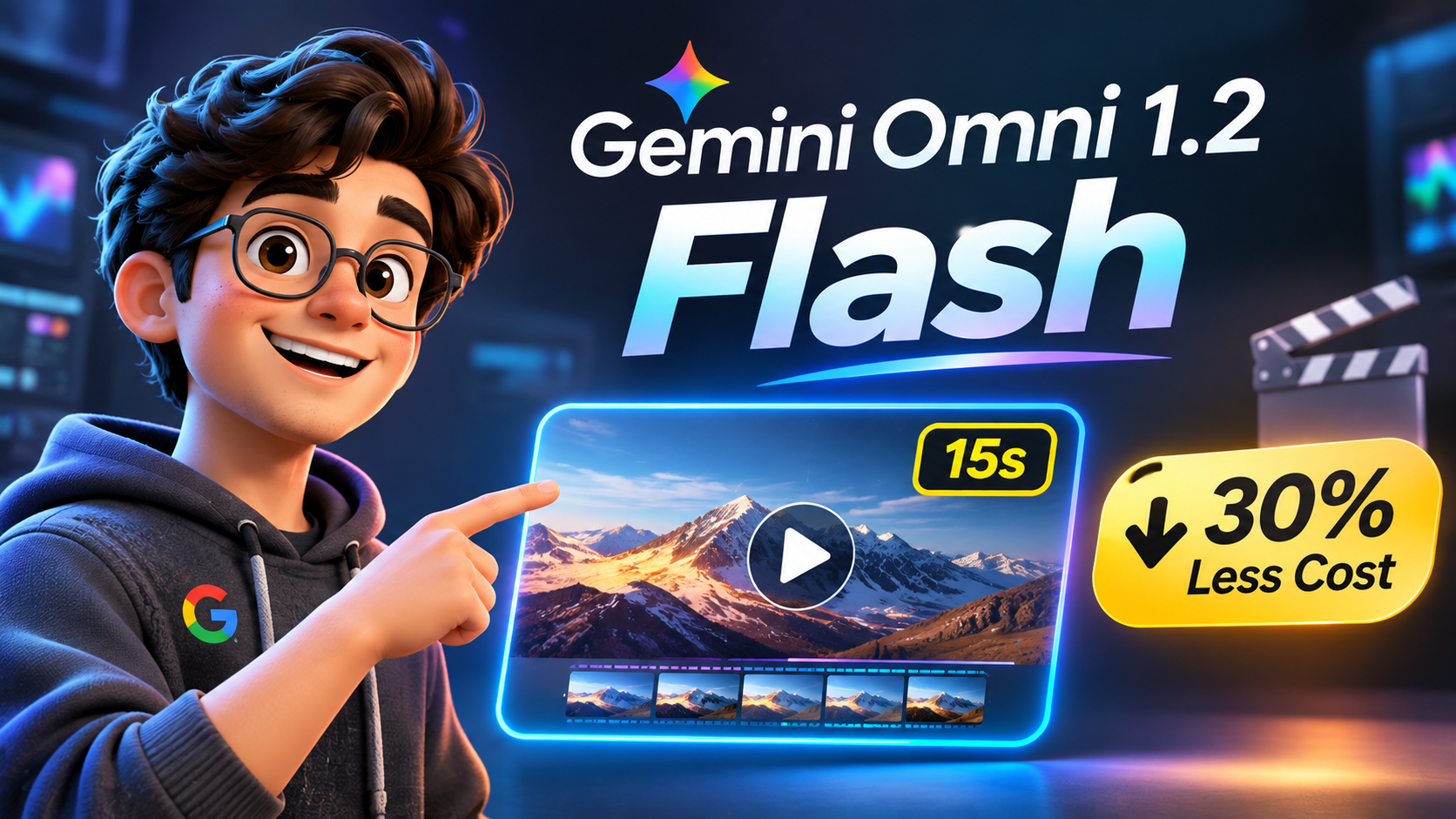
Creating AI videos often involves more than generating the first result. You may need to adjust the lighting, fix a character detail, change the background, or try another camera angle. Re-generating the entire clip for every small change can take extra time and increase costs.
On November 5, 2026, Google announced Gemini Omni 1.2 Flash, an update focused on longer video generation, stronger reference consistency, and conversational editing. It supports native video generation up to 15 seconds and reduces the 720p generation price by 30% compared with Gemini Omni 1.1 Flash, to approximately $0.07 per second on the Gemini API.
In this guide, we’ll look at what has changed, how multi-turn editing works, where you can access the model, and what creators should know about cost and availability.
What’s New with Gemini Omni 1.2 Flash?
The key upgrade is a more flexible video generation and editing workflow. Gemini Omni 1.2 Flash is Google’s video generation and editing model for creating and refining clips using text, images, audio, and video inputs. The update brings several improvements for creators and developers.
1. Native video generation up to 15 seconds
You can generate clips from 3 to 15 seconds, choosing the duration in one-second increments. This gives creators more room for short-form ads and compact story scenes, product explainers, and compact story scenes without having to join several short generations together.
2. Multi-turn conversational editing
One of the most useful changes is the ability to refine a generated clip through follow-up instructions.
For example, after generating a product video, you could ask the model to:
- Change the background from a studio to an outdoor setting.
- Adjust the lighting or weather.
- Replace a product while preserving the overall scene.
- Change the aspect ratio for a different placement.
Instead of starting from scratch each time, you can continue the editing conversation using the previous interaction. See the Gemini Omni developer documentation for the supported workflow.
3. Better reference consistency
The model can use reference images and short video clips to guide the result. This is useful when you need to maintain a character’s appearance and product details, product details, clothing, packaging, or brand colours across a sequence.
Google’s announcement describes support for combining character, product, and style references with short motion clips of up to three seconds. Exact input limits and supported combinations depend on the product or API workflow, so check the documentation before building a production pipeline.
4. More natural audio and dialogue
Google says Omni 1.2 improves speech naturalness, speaker variety, and lip-sync quality. This can help with product explainers and character dialogue, and short advertising scenes that need both visuals and sound.
5. More controlled camera movement
The update is designed to handle more complex continuous camera movements, including FPV-style fly-throughs, orbits, and dramatic zoom-outs, with fewer unwanted jump cuts.
6. Higher-resolution output options
The workflow supports 360p and 720p generation, with higher-resolution options such as 1080p and 4K available through upscaling where supported. Remember that upscaled output is not the same as native generation at that resolution.
Gemini Omni 1.1 Flash vs Gemini Omni 1.2 Flash
Here is a quick comparison of the main changes highlighted in Google’s announcement.
| Feature | Gemini Omni 1.1 Flash | Gemini Omni 1.2 Flash |
|---|---|---|
| Maximum native clip duration | Up to 10 seconds | Up to 15 seconds |
| 720p API video price | Approximately $0.10 per second | Approximately $0.07 per second |
| Editing workflow | Conversational editing supported | Improved multi-turn editing across longer clips |
| Reference consistency | Reference-guided generation | Improved character, product, and scene consistency |
| Higher resolutions | Upscaling options available | 1080p and 4K upscaling options available where supported |
The 30% saving applies to the announced 720p Gemini API video-generation price. Your final cost can vary with resolution, usage, and the billing method used by the platform.
How Much Does Gemini Omni 1.2 Flash Cost?
Google announced a 30% reduction in 720p video-generation pricing compared with Omni 1.1 Flash.
| Output setting | Approximate price per second | Approximate cost for 15 seconds |
|---|---|---|
| 360p | $0.023 | $0.345 |
| 720p | $0.07 | $1.05 |
These are approximate generation costs based on the rates described in the announcement. They are not a guarantee of the final amount on every account. Check the current Gemini API pricing page before generating at scale.
A useful cost-saving workflow is to draft at a lower resolution, use follow-up edits to correct details, use follow-up edits to correct details, and upscale only the version you are happy with. This can reduce unnecessary full re-generations.
How to Access Gemini Omni 1.2 Flash: Free vs Paid
Access, limits, and pricing vary across Google products. The same model does not necessarily have identical access, limits, or pricing in every app.
1. Google Vids
Google Vids is receiving a rollout of Omni 1.2 Flash, where users can generate clips up to 15 seconds. The rollout began on November 5, 2026, and Google said it may take around one to three days for the feature to appear.
Google’s Workspace update lists eligible personal Google accounts, selected Workspace editions, and education plans. Usage limits can vary by account and plan. See the official Google Workspace announcement for the current availability details.
2. Gemini App
15-second video generation in the Gemini app is rolling out to Google AI Ultra subscribers. Availability may vary by region and account, so check the Gemini app and the Google AI plans page for your current access.
3. Google AI Studio and Gemini API
Developers can prototype and build workflows through Google AI Studio and build workflows using the Gemini API. However, do not assume that API video generation is free just because you can prototype in AI Studio. The API pricing page lists the applicable paid usage rates, and billing must be configured where required.
Start with the Gemini Omni documentation and review the Gemini API pricing before running generations.
4. Google Flow
Google Flow is also included among the products receiving Omni 1.2 capabilities. Availability and the controls shown in Flow may differ from the developer API, so check the model options in your account.
A Practical Workflow to Save Time and Credits
If you create AI videos for YouTube, social media, or client projects, avoid spending your entire budget on repeated full-quality generations on repeated full-quality generations.
Try this workflow:
- Prepare your references: Gather your character image, product photos, style references, and any short motion reference needed for the scene.
- Generate a draft: Start with a lower-cost resolution such as 360p or 720p, depending on your workflow.
- Review the first result: Check the character, product details, framing, lighting, movement, and audio.
- Make targeted edits: Use follow-up instructions to change only the details that need improvement.
- Check continuity: Review the entire clip for changes in faces, clothing, product shape, background, and camera movement.
- Upscale the approved version: Use a higher-resolution output option only when the video is ready for final delivery.
This approach is especially useful for product ads and recurring-character videos, where consistency matters more than generating many unrelated variations.
Important Limitations to Keep in Mind
More control does not guarantee a perfect result every time. Gemini Omni 1.2 Flash offers more control
- Character and product consistency can improve, but small visual changes may still appear between frames or edits.
- Complex action, fast movement, and detailed physics can still produce unwanted results.
- Reference support and input limits depend on the specific app or API workflow.
- Higher-resolution outputs may use upscaling rather than native generation at that resolution.
- API pricing, consumer subscriptions, and Google Vids usage limits are separate. Check the terms for the product you are using.
- Generated videos include an invisible SynthID watermark, according to Google’s model documentation.
Always review generated content before delivering it to a client or publishing it.
What This Means for AI Video Creators
AI video workflows become more conversational with Gemini Omni 1.2 Flash. Instead of treating every generation as a one-shot attempt, creators can build a clip, review it, and refine it through follow-up instructions.
For freelancers and digital agencies, the combination of longer clips, better reference following, and lower 720p generation pricing could make product ads, social media creatives, and short explainers more efficient to produce.
The biggest advantage is not simply the extra five seconds. It is having more control over the result without needing to restart the entire process for every small change.
Final Thoughts
Native 15-second generation and multi-turn editing make Gemini Omni 1.2 Flash a meaningful update for AI video creators. Native 15-second generation, multi-turn editing, improved reference consistency, and a 30% lower 720p API price make it worth exploring.
If you are just getting started, test it with a simple scene before moving to a full client project. If you are already creating AI videos, try using references and follow-up edits to reduce unnecessary re-generations.
You can begin with Google Vids or explore the Gemini Omni API documentation.
Which feature will make the biggest difference to your workflow: 15-second clips, stronger character consistency, or multi-turn editing? Share your thoughts in the comments.
Official Sources
Share this article · Follow SSK Decode AI
Discover More
View all
Can You Really Trust What You See Online? How Google SynthID Spots AI Deepfakes
Can you trust videos and images online? Learn how Google DeepMind’s SynthID embeds invisible watermarks in AI-generated media, what its detector can reveal, and why a missing watermark does not prove content is real.

AI Browser Automation for Beginners – How to Automate Repetitive Tasks
Learn how to use AI browser automation, how to use Antigravity to automate repetitive tasks in your browser, and the important safety considerations for beginners.
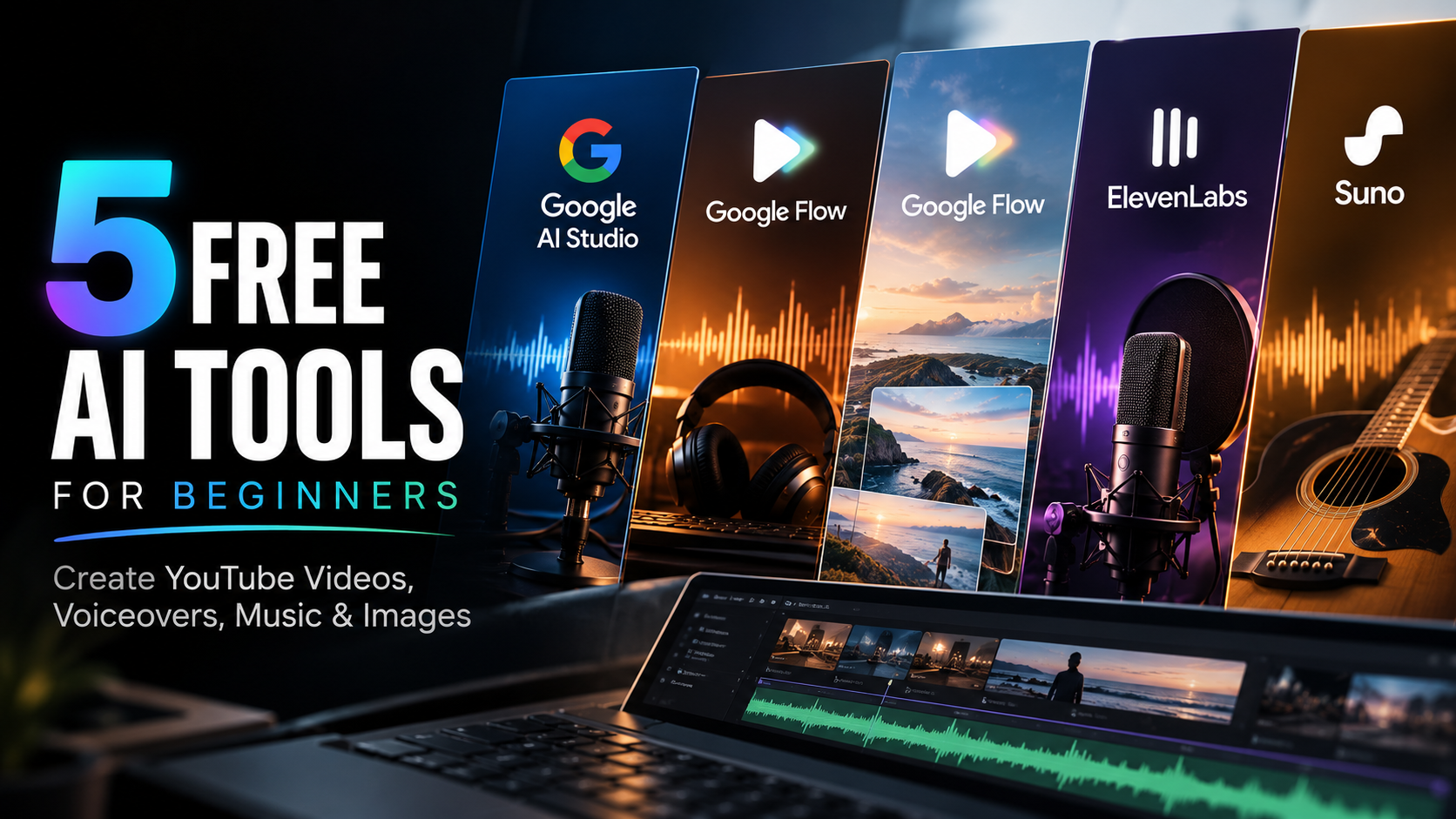
5 Free AI Tools for Beginners to Create YouTube Videos, Voiceovers, Music & Images
Discover 5 free AI tools for beginners to create YouTube voiceovers, AI music, images, and videos. Learn about free-plan limits and commercial-use restrictions.