5 Free AI Tools for Beginners to Create YouTube Videos, Voiceovers, Music & Images
Discover 5 free AI tools for beginners to create YouTube voiceovers, AI music, images, and videos. Learn about free-plan limits and commercial-use restrictions.
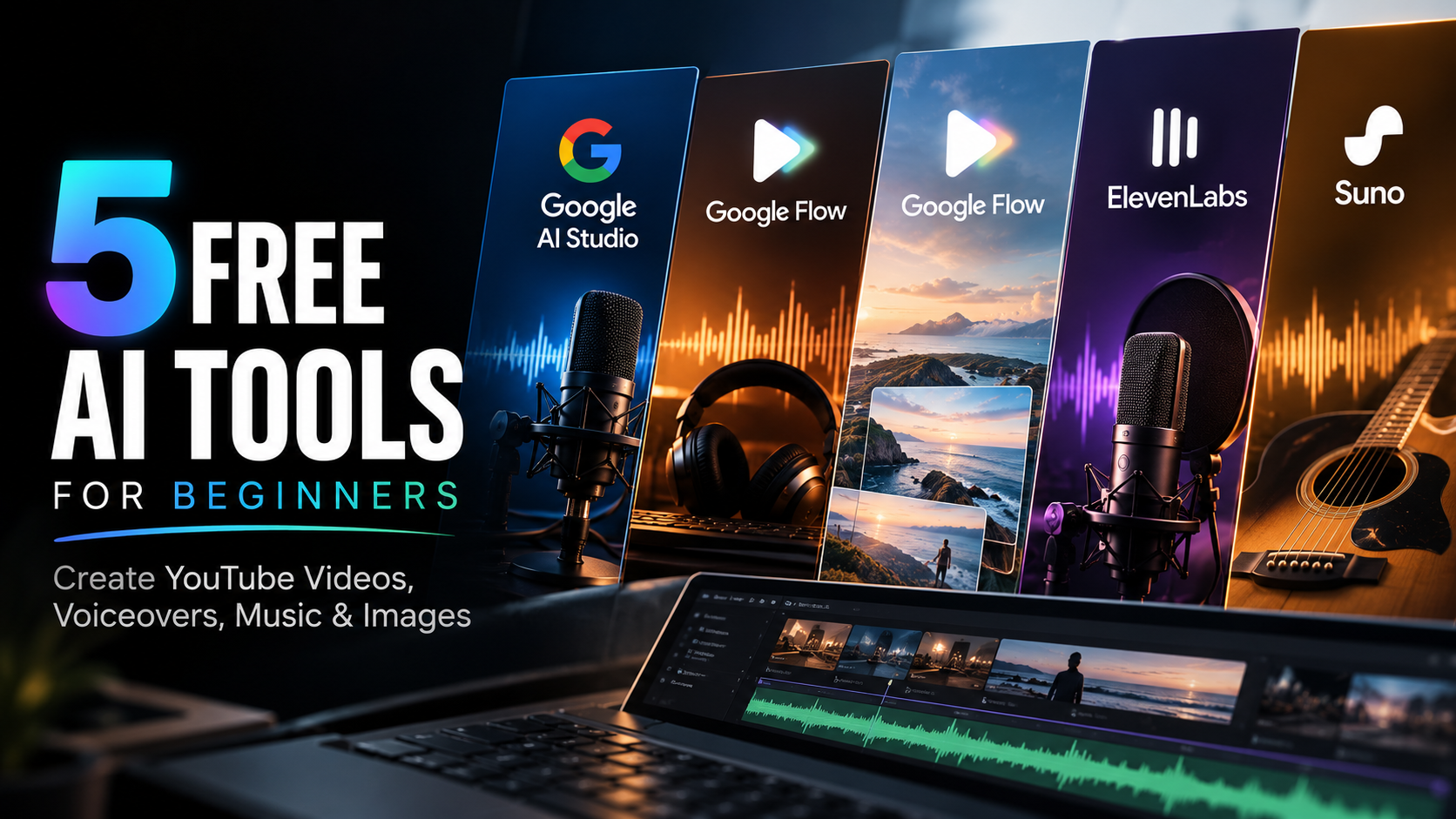
You don’t need to spend a fortune on advanced software to create voiceovers, background music, images, and videos. Several AI tools let beginners experiment for free, although usage limits and licensing rules vary from one service to another.
Some tools offer a free allowance for generating content, while others restrict how you can use what you create. That difference matters if you plan to publish videos on YouTube, monetize your channel, or create work for clients.
In this guide, we’ll look at five AI tools beginners can explore to start creating content without paying upfront.
1. Google AI Studio — Create Realistic AI Voiceovers
Best for: YouTube narration, explainer videos, educational content, and storytelling.
Google AI Studio lets you experiment with Google's Gemini text-to-speech (TTS) models, which turn written scripts into spoken audio. Instead of relying on a flat, robotic delivery, you can guide the narration's style and expression to better suit your video.
Key features
- Convert written scripts into speech.
- Guide the voice's tone, delivery, and expression.
- Explore voices across different languages and accents.
- Design custom voice personas.
- Replicate a voice when the feature is available and you have the speaker's explicit consent.
Google's Gemini 3.8 Flash TTS supports expressive speech generation, and Google's extended voice library includes thousands of production-ready voices. Availability of specific features can vary by region and account. Check the official TTS documentation for current details.
Is it free?
Google lists a free tier for Gemini 3.8 Flash TTS, but usage limits and availability can change. Review the current Gemini API pricing before planning a large voiceover project. Free access is not the same as unlimited access, and you should review the applicable terms for your intended use.
Beginner tip: Write your script first, generate the narration, and then add it to your video in your preferred editor.
Try it: Google AI Studio
2. Google Flow Music — Create AI Music
Best for: Background music, creative exploration, and video soundtracks.
Finding the right background score can take time. Google Flow Music gives you another option: describe the kind of music you want and experiment with AI-generated songs and soundtracks.
For example, you could try a calm track for an educational video, cinematic music for a short film, an energetic piece for a product promotion, or an atmospheric soundtrack for an AI-generated scene.
Is it free?
Google says the core features of Flow Music are available at no charge, with additional credits, generations, and newer models available through upgraded plans. The number of generations you can make depends on your available credits and the service's current limits. Check the official Flow Music help page for access details and the credit and subscription guide for plan information.
If you want to use generated music in monetized YouTube videos, advertisements, or client projects, read the current terms and usage rights before publishing. A free account does not automatically guarantee that every use is permitted.
Beginner tip: Try several prompts and compare the mood, tempo, and style of the results before choosing music for your next video.
Try it: Google Flow Music
3. Google Flow — Create AI Images and Videos
Best for: YouTube visuals, cinematic scenes, creative storytelling, and AI video generation.
If you want to create videos without filming every scene yourself, Google Flow is worth exploring. It brings together Google's generative AI tools for making images and video clips. The models and features available to you depend on the current product offering and your account.
Key features
- Generate images using text prompts.
- Create video clips from prompts or reference frames.
- Experiment with different visual styles and scenes.
- Explore models such as Nano Banana and Veo, where available.
- Create visuals for YouTube videos and other creative projects.
Is it free?
Google Flow lists a free option with 50 daily Flow credits. However, the number of images or videos you can generate depends on the model and the credit cost of each generation. Some video features use considerably more credits than others. Daily credits do not roll over, so plan your generations before using them. Check the official Google Flow page for the latest plan details.
How can beginners use it?
Start by writing a clear prompt that describes the subject, setting, lighting, camera angle, and visual style. Generate an image, refine the result, and then experiment with video generation if it suits your project.
You could create visuals for an educational video, develop fictional cinematic scenes, or make a concept video for a product or service.
Beginner tip: Start with a few simple images and prompts before spending credits on longer or more complex video generations.
Try it: Google Flow
4. ElevenLabs — Create AI Voiceovers
Best for: Natural-sounding narration, storytelling, and AI voices.
ElevenLabs is another popular option for turning a written script into spoken audio. You can explore different voices and create narration for videos, stories, and other projects.
Key features
- Convert text into speech.
- Explore different AI voices.
- Generate narration for videos and stories.
- Experiment with delivery styles for different types of content.
Is it free?
ElevenLabs offers a free plan with a monthly credit allowance. The amount of usage and the available features can change, so check the current pricing page.
Important: The free plan generally does not include a commercial-use licence. If you plan to publish generated audio in monetized videos or client projects, review ElevenLabs' rules for publishing generated content. Attribution may also be required for certain non-commercial uses.
Beginner tip: Use the free plan to test voices and compare narration styles. Confirm the licence before using the output in commercial content.
Try it: ElevenLabs
5. Suno — Create Music with AI
Best for: Songs, background scores, and music experiments.
Suno lets you create music by describing what you want. You can experiment with genres, moods, and musical styles to discover ideas for your videos and other creative projects.
Key features
- Generate music from text prompts.
- Experiment with different genres and styles.
- Explore song ideas and original soundtracks.
- Discover music concepts for creative projects.
Is it free?
Suno offers a free plan with usage limits. Music generated under the free plan is generally intended for personal, non-commercial use. If you want to use a track in monetized YouTube videos or client projects, review the current Suno support guidance on commercial-use rights.
Do not assume that upgrading later automatically grants commercial rights to tracks created while you were on the free plan. Check the terms that apply to each track before using it commercially.
Beginner tip: Experiment with different prompts and musical styles to learn how the description you provide changes the result.
Try it: Suno
Which AI Tool Should a Beginner Try First?
You don't have to learn all five tools at once. Start with the kind of content you want to make.
| Your goal | Tool to try |
|---|---|
| Create realistic AI voiceovers | Google AI Studio |
| Experiment with AI-generated music | Google Flow Music |
| Create AI images and video clips | Google Flow |
| Explore alternative AI voices | ElevenLabs |
| Generate songs and music ideas | Suno |
For a first project, choose just one tool. For example, create a short script and generate a voiceover, or make a few visuals for a video idea. Once you're comfortable with the process, you can combine tools to build a more complete workflow.
Free Access vs. Commercial Use: What Beginners Should Know
One common mistake is assuming that if an AI tool lets you generate content for free, you can automatically use that content commercially. These are two different things.
- Free access means you can use a service without paying, within its limits.
- Personal use generally means using the output for non-commercial purposes, subject to the service's terms.
- Commercial use may include monetized YouTube videos, advertisements, client projects, or other revenue-generating work.
The rules differ between services and can change over time. Before publishing, check the current plan terms and the rights attached to the specific content you generated. Also make sure you have permission to use any reference audio, images, or other material you provide.
Final Thoughts
You don't need expensive software to begin creating content with AI. Google AI Studio, Google Flow Music, Google Flow, ElevenLabs, and Suno each offer ways to experiment with voiceovers, music, images, or video.
Start with one tool, learn its strengths and limitations, and create a small project. As your skills grow, you can combine different tools into a workflow that suits your channel or creative goals.
Start small, keep experimenting, and build your skills one project at a time.
Share this article · Follow SSK Decode AI
Discover More
View all
Gemini Omni 1.2 Flash – Create 15s AI Video 30% Cheaper
Explore Gemini Omni 1.2 Flash: generate AI videos up to 15 seconds, refine clips through multi-turn editing, improve character consistency, and learn about pricing and access.
Can You Really Trust What You See Online? How Google SynthID Spots AI Deepfakes
Can you trust videos and images online? Learn how Google DeepMind’s SynthID embeds invisible watermarks in AI-generated media, what its detector can reveal, and why a missing watermark does not prove content is real.
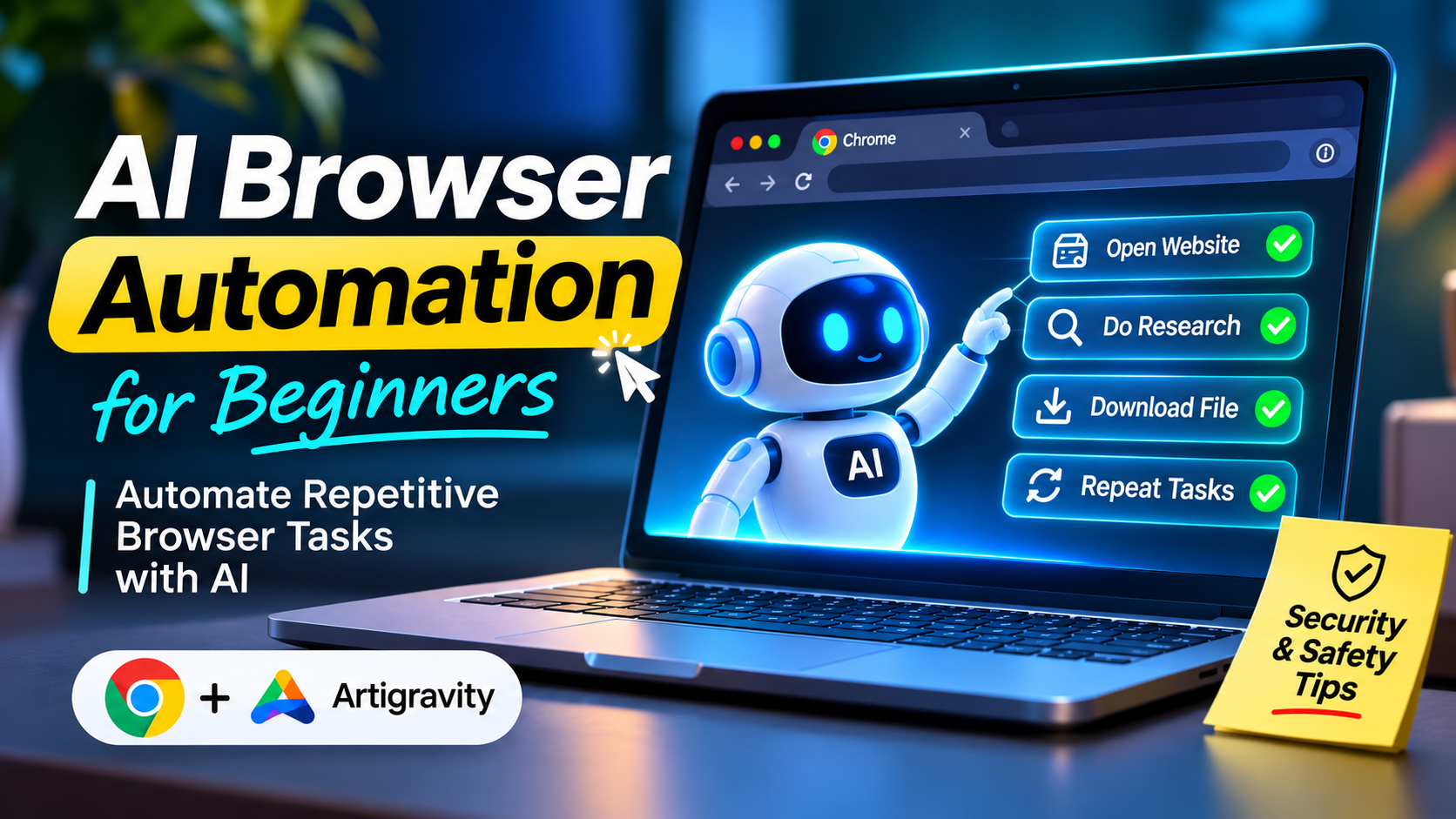
AI Browser Automation for Beginners – How to Automate Repetitive Tasks
Learn how to use AI browser automation, how to use Antigravity to automate repetitive tasks in your browser, and the important safety considerations for beginners.