How to Build a Web App for Free Using AI in 10 Minutes
Learn the step-by-step beginner workflow to create, preview, and deploy a working web app for free using AI coding agents, GitHub, and Vercel.
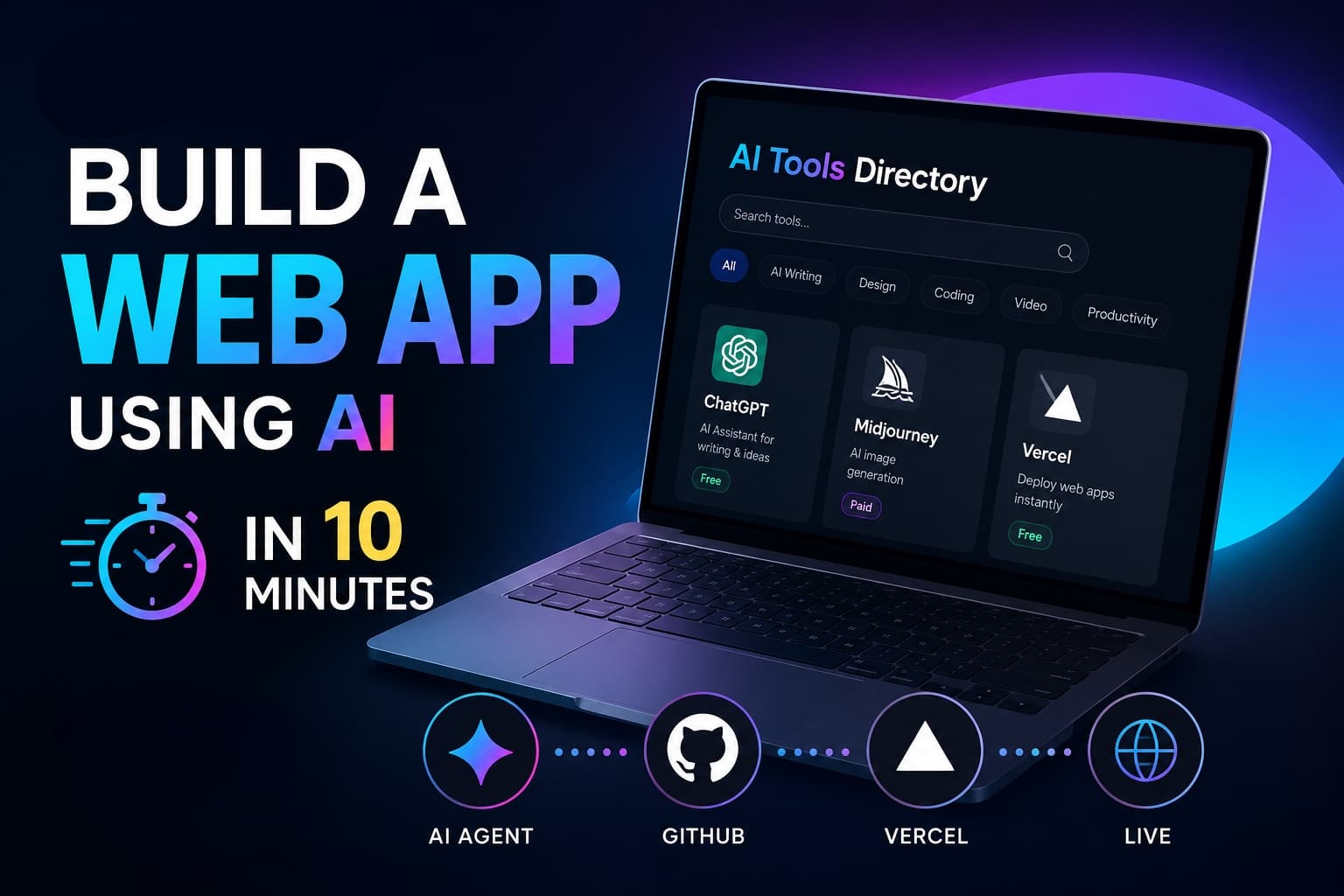
You Don't Need to Be a Senior Developer to Build a Live Web App
Building a functional website or web application used to require months of learning HTML, CSS, JavaScript, database architecture, and complex server configurations.
Today, AI coding agents and cloud deployment platforms have completely changed the rules.
Instead of typing thousands of lines of syntax manually, you can describe your idea in plain English, let an AI agent structure the codebase, sync it with GitHub, and launch it live to the world on a global hosting network—100% free.
Once you understand how the pieces connect, building and launching a lightweight utility, calculator, or directory can take as little as 10 minutes.
The Complete 5-Stage Fast Track
Here is how code moves from a rough thought inside your head to a live URL on the internet:
┌─────────────────────────────────────────────────────────────┐
│ 1. AI CODING AGENT (Google Antigravity / Claude Code)       │
│    -> Converts plain English prompts into code files        │
└──────────────────────────────┬──────────────────────────────┘
                               │
                               ▼
┌─────────────────────────────────────────────────────────────┐
│ 2. LOCAL BROWSER PREVIEW (localhost:3000)                   │
│    -> Test features, find bugs, and refine UI instantly     │
└──────────────────────────────┬──────────────────────────────┘
                               │
                               ▼
┌─────────────────────────────────────────────────────────────┐
│ 3. GITHUB REPOSITORY                                        │
│    -> Safely stores source code and tracks version history  │
└──────────────────────────────┬──────────────────────────────┘
                               │
                               ▼
┌─────────────────────────────────────────────────────────────┐
│ 4. VERCEL / NETLIFY CONTINUOUS DEPLOYMENT                   │
│    -> Auto-builds the site and generates a live public link │
└──────────────────────────────┬──────────────────────────────┘
                               │
                               ▼
┌─────────────────────────────────────────────────────────────┐
│ 5. OPTIONAL CUSTOM DOMAIN (yourbrand.com)                   │
│    -> Adds professional branding when you are ready to scale│
└─────────────────────────────────────────────────────────────┘
What You Need to Get Started
You do not need an expensive setup or a paid subscription:
- A standard laptop or PC (Windows, macOS, or Linux)
- A stable internet connection
- An AI coding tool (e.g., Google Antigravity or VS Code with an AI extension)
- A free GitHub account (to store your code)
- A free Vercel or Netlify account (to host your web app)
Step 1: Speak to Your AI Agent in Plain English
The biggest advantage of modern AI coding agents is that you do not need to memorize strict technical commands. You do not need to say "Instantiate a Next.js client component with dynamic state."
Instead, explain what you want your user to see and do.
Create a modern AI tools directory web application. Include a responsive search bar, category filter buttons, interactive tool cards with pricing badges, and a clean dark-mode UI. Ensure the layout looks professional on both mobile and desktop screens.
Once the agent creates the base files, refine the interface naturally:
- "Make the header title larger and add a glowing gradient."
- "Add an interactive copy button inside each prompt card."
- "Fix the mobile navigation menu so it closes automatically when clicked."
Step 2: Test Locally Before Publishing
When the agent writes the code, preview the project on your local machine:
http://localhost:3000
This local environment is your private sandbox. It is not visible to the public yet. Test every button, check the layout on mobile view, and prompt the AI to squash any bugs before pushing the files online.
Step 3: Connect Code to GitHub
Think of GitHub as the secure cloud vault for your project.
- Create a new repository (e.g.,
my-first-ai-app). - Push your project files to the main branch.
Storing your code on GitHub protects your work from accidental local file loss and creates a bridge to automated cloud deployment.
Step 4: Deploy Live with Vercel or Netlify
Now connect your cloud vault to a hosting engine:
- Log into Vercel or Netlify using your GitHub account.
- Select your newly created repository.
- Click Deploy.
The platform automatically detects your project settings, builds the assets, and provides a free, live HTTPS URL (e.g., your-app.vercel.app).
Continuous Deployment Magic
Whenever you ask your AI agent to make changes in the future, push the updated files to GitHub. Vercel automatically detects the update, rebuilds the code, and updates your live website in seconds—no manual uploads required.
What Can You Build with This Workflow?
| Project Type | Practical Examples | Monetization / Use Case |
|---|---|---|
| Directory Websites | AI Tools directory, Remote Jobs board, Prompt library | Affiliate links, sponsored listings |
| Interactive Calculators | Freelance rate calculator, EMI planner, Age finder | High-intent Google search traffic |
| Content Generators | YouTube Title brainstormer, Meta description generator | Lead capture, AdSense revenue |
| Personal Portfolios | Developer showcase, Video editing resume, Client portal | Client acquisition, freelance work |
Do You Need a Custom Domain?
For personal experiments, portfolio tests, or utility prototypes, the free .vercel.app or .netlify.app subdomain works fine.
However, if you plan to build a long-term business or apply for Google AdSense, consider connecting a custom .com domain. A custom domain builds immediate trust with visitors and creates clean, memorable brand recognition.
Pro Tip on Buying Domains: Always verify the annual renewal price before purchasing. Many registrars offer low first-year discounts but triple the cost on renewal.
Best Practices for SEO & AdSense Approval
If your goal is to monetize your web application with Google AdSense, avoid deploying thin, generic pages. Follow these core quality standards:
- Solve a Real Problem: Ensure your tool or directory delivers genuine utility and accurate outputs.
- Add Context & Documentation: Include a clear "How to Use" section, FAQs, and real-world use cases on the page.
- Include Mandatory Legal Pages: Every commercial website needs dedicated About, Contact, Privacy Policy, and Terms of Service pages.
- Prioritize Mobile Speed: Keep assets lightweight so pages load instantly on all mobile connections.
Frequently Asked Questions
Can I really build a web app completely free?
Yes. Google Antigravity, GitHub, and the entry tiers of Vercel and Netlify all provide free access for personal projects and early development.
Is coding knowledge mandatory?
Basic knowledge helps when troubleshooting, but AI coding agents handle the heavy lifting. You can learn how code works gradually as your projects grow in complexity.
Does Netlify only support plain HTML sites?
No. Netlify supports modern frameworks including Next.js, React, Astro, Vue, SvelteKit, and Nuxt, alongside static HTML.
Related Articles

How to Get Free Google AI Plus & 74% Off AI Pro (Student Exclusive Guide)
Google is offering 1 year of Google AI Plus for free and up to 74% off Google AI Pro with YouTube Premium for college students. Here is how to claim it.
Run Google Gemma 4 AI Offline on Mobile and PC for Free
Learn how to install and run Google Gemma 4 AI offline on Windows, Mac, and mobile using Ollama with zero internet dependency.

Google AI Studio AI Voice Generator Tamil - Gemini 3.1 Flash TTS Tutorial
Generate ultra-realistic Tamil AI voices for free using Google AI Studio and Gemini 3.1 Flash TTS model. Complete setup and monetization guide.