Google AI Studio AI Voice Generator Tamil - Gemini 3.1 Flash TTS Tutorial
Generate ultra-realistic Tamil AI voices for free using Google AI Studio and Gemini 3.1 Flash TTS model. Complete setup and monetization guide.
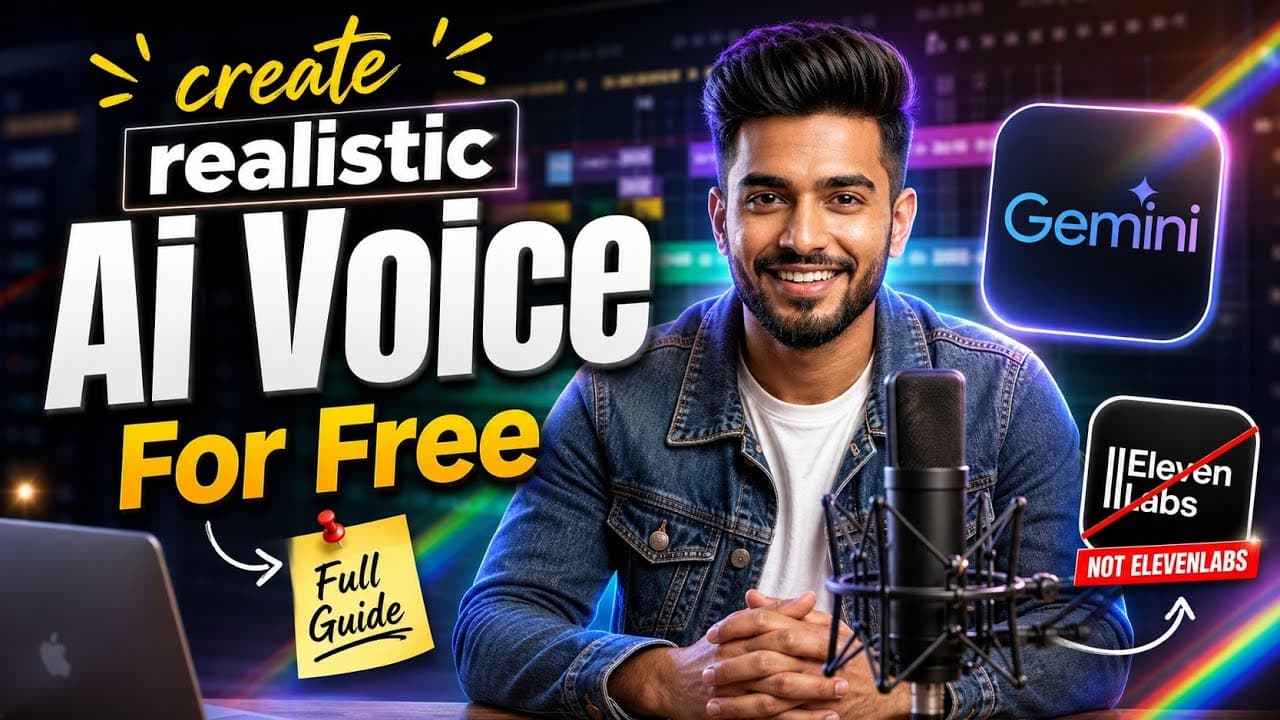
Finding a premium, natural-sounding Tamil text-to-speech engine online usually comes with heavy processing fees, word limitations, or robotic accents that threaten your channel monetization eligibility. If you are a content creator pushing into YouTube Shorts, Instagram Reels, or digital marketing ads, having a studio-grade voiceover asset is crucial. Fortunately, Google has permanently solved this problem by unlocking its cutting-edge Gemini 3.1 Flash TTS model within the developer suite.
Accessible completely for free with massive token thresholds inside Google AI Studio, this model lets you generate ultra-realistic, human-like voice synthesis directly from text prompts. In this production blueprint, we are going to decode the step-by-step setup parameters, advanced voice tags, compliance frameworks like SynthID watermarking, and how to safely monetize your synthetic audio content.
⚡ Initializing Gemini 3.1 Flash TTS in Google AI Studio
To access this engine without standard subscription restrictions, you need to step away from consumer chatbot frontends and interface directly with the developer portal at Google AI Studio.
- Navigate to the official Google AI Studio dashboard console and log in with your primary Google credentials.
- Create a clean project configuration workspace and locate the right-hand model selector panel array.
- Select the specialized Gemini 3.1 Flash model from the dropdown matrix.
- Locate the output modal configurations and switch the dynamic operational target parameters explicitly from standard text response to Audio / Speech Generation.
- Input your structured Tamil scripting data into the workspace prompt frame, tap run, and the system will render a highly fluid acoustic voice file available for instant download.
🗣️ Humanizing the Output: Advanced Voice Tags
Standard text-to-speech generation often strips out the emotional variance, pauses, and pacing shifts that make human speech engaging. Gemini 3.1 Flash responds dynamically to programmatic formatting cues. To force studio-quality human realism, wrap your text strings inside these advanced structural prompt modifiers:
[pause: short / long]: Injects precise micro-second or full second breathing loops between crucial sentences to maintain audience pacing control.[tone: excited / serious]: Directs the underlying neural audio layers to modulate pitch values, matching a high-energy hook or a deep narrative story sequence.[emphasis: keyword]: Applies concentrated acoustic weight, clearer pronunciation parameters, and deliberate enunciation to specific high-impact words or brand titles.
💰 Algorithmic Monetization Safety Protocols (YouTube & AdSense)
Can you safely monetize channels running AI voices? Yes, absolutely. However, the platforms have deployed strict automated filters to scan synthetic content libraries. To guarantee your channel passes programmatic AdSense evaluations smoothly, you must align with these compliance rules:
1. Understanding Google SynthID Watermarking
Google natively embeds imperceptible digital cryptographic watermarks using the SynthID framework directly inside the audio waves generated by Gemini 3.1 Flash. This watermark survives compression, altering editing changes, or noise reduction loops. Because it is recognized globally by Google systems as a legitimate, compliant corporate model output, it establishes your channel's authenticity and separates your assets from low-tier malicious spam clones.
2. Mandatory YouTube Content Disclosure Settings
When uploading your edited video projects inside the YouTube Creator Studio dashboard, you must proactively manage the synthetic media compliance checkboxes. Ensure you check the option indicating that the video contains "Altered or Synthetic Content" if the audio voice sounds profoundly human-like. Adhering to this transparency prevents algorithmic penalties, keeps your monetization tracks secure, and builds long-term authority with the YouTube distribution engine.
Watch the Full Video Tutorial
Related Articles
How to Build a Web App for Free Using AI in 10 Minutes
Learn the step-by-step beginner workflow to create, preview, and deploy a working web app for free using AI coding agents, GitHub, and Vercel.

How to Get Free Google AI Plus & 74% Off AI Pro (Student Exclusive Guide)
Google is offering 1 year of Google AI Plus for free and up to 74% off Google AI Pro with YouTube Premium for college students. Here is how to claim it.
Run Google Gemma 4 AI Offline on Mobile and PC for Free
Learn how to install and run Google Gemma 4 AI offline on Windows, Mac, and mobile using Ollama with zero internet dependency.