How to Create a Realistic AI Influencer for Free (Complete Guide)
Learn how to create a realistic AI influencer for free using Google Flow, Nano Banana Pro, Wan 2.6, and AI voice tools. Complete guide.
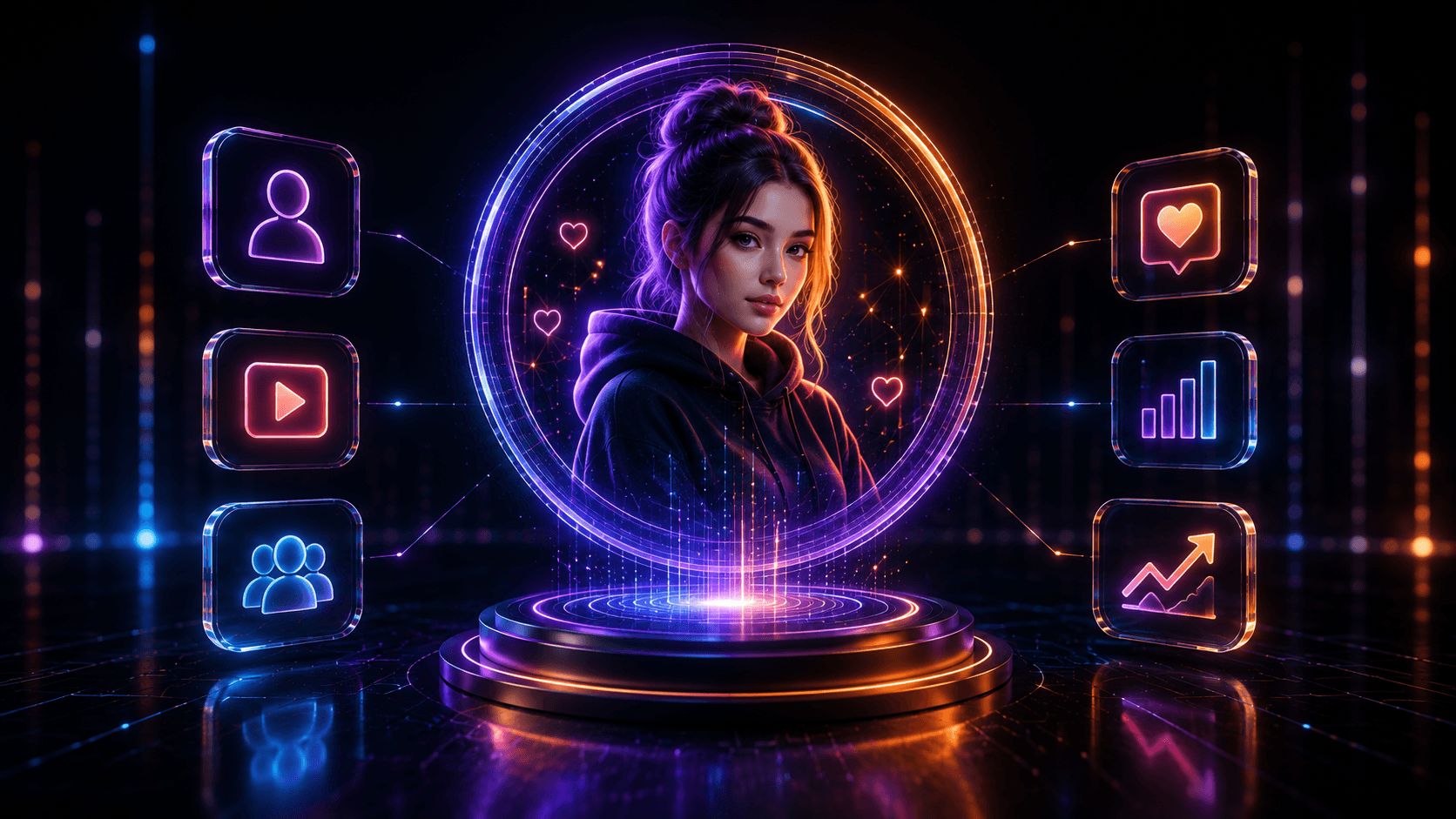
Artificial Intelligence has completely changed the way creators produce content. Today, you no longer need an expensive camera, professional lighting, or even appear on camera yourself to build a successful social media brand. With the latest AI tools, anyone can create a realistic virtual influencer capable of posting photos, creating videos, and even speaking naturally.
Many Instagram pages that seem to feature real people are now powered by AI-generated influencers. These virtual creators are attracting thousands of followers, working with brands, and earning money through sponsorships and affiliate marketing. The good news is that you can build a similar AI influencer without spending money on expensive software.
In this complete guide, we will walk through the entire workflow—from creating a realistic AI face to generating videos, adding realistic motion, and finally making the character speak naturally.
What Is an AI Influencer?
An AI influencer is a virtual character created using artificial intelligence. Instead of hiring a real model or recording videos yourself, AI generates realistic human images and videos that can be used for Instagram, YouTube Shorts, TikTok, Facebook Reels, and many other social media platforms.
These digital creators can consistently produce content while maintaining the same appearance, making them an excellent option for personal branding, content creation, and online business.
Popular AI Influencer Niches
- Lifestyle
- Fashion
- Fitness
- Technology
- Beauty
- Travel
- Finance
- Education
- Gaming
Before generating your character, always decide the niche first. A clear niche helps maintain a consistent personality, appearance, and content style across all future posts.
Tools Used in This Workflow
This workflow combines several AI tools that work together to create realistic content.
- ChatGPT – Prompt generation
- Google Flow – Image and video creation
- Nano Banana Pro – Ultra-realistic image generation
- Imagen 4 – Alternative image model
- Wan 2.6 – Free motion control
- Kling 2.6 Motion Control – Premium-quality motion generation
- Hickfield AI – Access Kling with daily free credits
- Talking Avatar Tools – AI voice generation and lip sync
Each tool performs a specific task, and together they create a complete AI influencer production pipeline.
Step 1: Plan Your AI Influencer
Many beginners immediately jump into image generation. However, planning the character first produces much better results.
Think of your AI influencer as a real person. Decide their personality, style, target audience, and the type of content they will create.
Questions to Answer Before Creating Your Character
- What niche will the influencer focus on?
- Who is the target audience?
- Should the character look professional or casual?
- Will the content be educational, entertaining, or promotional?
- What type of clothing should the character wear?
- Should the background remain consistent?
Answering these questions before generating images helps maintain a strong brand identity throughout your content.
Step 2: Generate a Realistic AI Face
The face image is the foundation of your AI influencer. Every future image, video, and talking avatar will depend on this first image.
Instead of manually writing complicated prompts, you can use ChatGPT to generate a detailed prompt based on your desired character.
What Your Prompt Should Include
- Gender & Age
- Ethnicity & Face shape
- Hair style & Hair color
- Skin tone & Eye color
- Clothing style & Facial expression
- Lighting, Camera lens & Background
- Photography style
A detailed prompt gives the AI model enough information to generate realistic and consistent images.
Why Nano Banana Pro Is Recommended
Among the latest image generation models, Nano Banana Pro delivers highly realistic facial details, natural skin textures, accurate lighting, and excellent overall quality. This makes it an ideal choice for creating AI influencer avatars.
Instead of settling for the first generated image, create multiple variations. Compare facial symmetry, expressions, lighting, and realism before selecting the final image.
Tips for Choosing the Best Base Image
- Select a front-facing portrait.
- Choose natural facial expressions.
- Avoid exaggerated poses.
- Use consistent lighting.
- Ensure the face is clearly visible.
- Avoid sunglasses or objects covering the face.
- Download the highest-quality version available.
This selected image becomes the master reference for every image and video you create later. Choosing a strong base image significantly improves consistency across your AI influencer's entire content library.
Accessing Google Flow
After generating the character prompt, the next step is creating images inside Google Flow. Google Flow supports multiple AI models, including Nano Banana Pro and Imagen 4.
Users with an eligible Gemini subscription can access additional features and receive daily credits for generating AI content. These credits can be used to create images and videos without paying for every generation.
Creating Your First Project
- Open Google Flow.
- Create a new project.
- Select Create Image.
- Choose the Portrait aspect ratio (9:16) for Instagram Reels and YouTube Shorts.
- Select Nano Banana Pro as the generation model.
- Paste your ChatGPT-generated prompt.
- Generate multiple image variations.
Generating four versions at once allows you to compare different expressions, lighting conditions, and facial details. Often, one image stands out as significantly more realistic than the others.
Once you've selected the best image, download it. This becomes the official AI influencer avatar used throughout the rest of the workflow.
Why Character Consistency Matters
One of the biggest mistakes beginners make is creating a new face for every post. This makes the AI influencer look like a completely different person in every image.
Instead, always reuse the same base image throughout your workflow. Whether you're generating new photos, creating animations, or producing talking videos, the original portrait should remain the primary reference.
Maintaining facial consistency builds trust with your audience and creates a recognizable personal brand over time.
Step 3: Turn Your AI Image into a Realistic Video
Now that your AI influencer's base image is ready, the next step is to bring the character to life. Instead of creating a completely new video from scratch, you can use the existing image as the first frame and let AI generate realistic movement.
This approach helps preserve the character's facial identity while adding natural expressions, camera motion, and body language.
Switch to Frames to Video
Inside Google Flow, change the generation mode from Create Image to Frames to Video. Then add your selected AI portrait as the starting frame.
The AI will use this image as the visual reference throughout the video generation process.
Video Settings to Check
- Generation Mode: Frames to Video
- Aspect Ratio: Portrait (9:16)
- Model: Best available video generation model
- Starting Frame: Your selected AI influencer image
- Output Count: Generate multiple variations if credits allow
These settings are ideal for Instagram Reels, YouTube Shorts, and TikTok videos.
Write a Strong Video Prompt
Just like image generation, the quality of your video depends heavily on the prompt. A detailed prompt tells the AI exactly how the character should behave throughout the scene.
Instead of simply asking the AI to "make a video," describe the movements, expressions, environment, and camera actions clearly.
Include These Details in Your Prompt
- Facial expression & Eye movement
- Natural blinking & Body posture
- Hand gestures & Walking or standing position
- Camera movement & Lighting style
- Background details & Overall mood
Well-structured prompts usually produce more realistic results with fewer generation attempts.
Review Every Video Carefully
Don't immediately download the first video you generate. Spend a few moments reviewing each variation from beginning to end.
Look for natural movement instead of exaggerated animations. Small details make a huge difference in how realistic the final influencer appears.
Quality Checklist
- Natural eye blinking
- Smooth facial expressions
- Realistic hand movement
- Stable body posture
- Consistent lighting
- No facial distortion or strange finger movements
- Smooth camera motion
If a clip contains obvious visual errors, simply generate another variation instead of trying to edit it later.
Step 4: Make Your AI Influencer Move Naturally with Motion Control
After creating realistic images and videos, the next step is improving the quality of movement. While standard AI video generation creates natural animations, motion control gives you much greater precision by allowing your AI character to copy movements from a real reference video.
Benefits of Motion Control
- Natural body language
- Better hand movements
- Improved facial expressions
- Realistic head movements
- Professional-looking camera performance
Best Motion Control Models
Several AI models now support motion transfer, but two stand out for realistic results:
- Wan 2.6 (Free)
- Kling 2.6 Motion Control (Premium)
Using Wan 2.6 for Free Motion Control
- Create a Wan account.
- Claim your available daily credits.
- Open the Motion Control section.
- Select Character Swap.
- Upload your AI influencer image.
- Upload a reference video.
- Generate the output.
Step 5: Add a Realistic AI Voice
Once your visuals are complete, the final step is giving your AI influencer a natural voice. A realistic voice combined with accurate lip-sync makes the character feel much more believable.
Useful Behaviour Instructions for Talking Avatars
- Natural eye blinking
- Minimal hand gestures
- Relaxed posture
- Soft facial expressions
- Realistic mouth movement
- Occasional head nods
- Maintain eye contact with the camera
Complete AI Influencer Workflow (Quick Recap)
- Choose your influencer niche and audience.
- Generate a detailed character prompt using ChatGPT.
- Create multiple realistic face images with Nano Banana Pro or Imagen 4.
- Select the best base image and use it consistently.
- Convert the image into a video using Google Flow's Frames to Video feature.
- Generate multiple video variations and choose the best result.
- Extend scenes to create longer videos while maintaining character consistency.
- Use Wan 2.6 or Kling Motion Control to copy realistic body movements.
- Add a natural AI voice using a Talking Avatar tool.
- Review, export, and publish your content.
Watch the Complete Video Tutorial
Related Articles
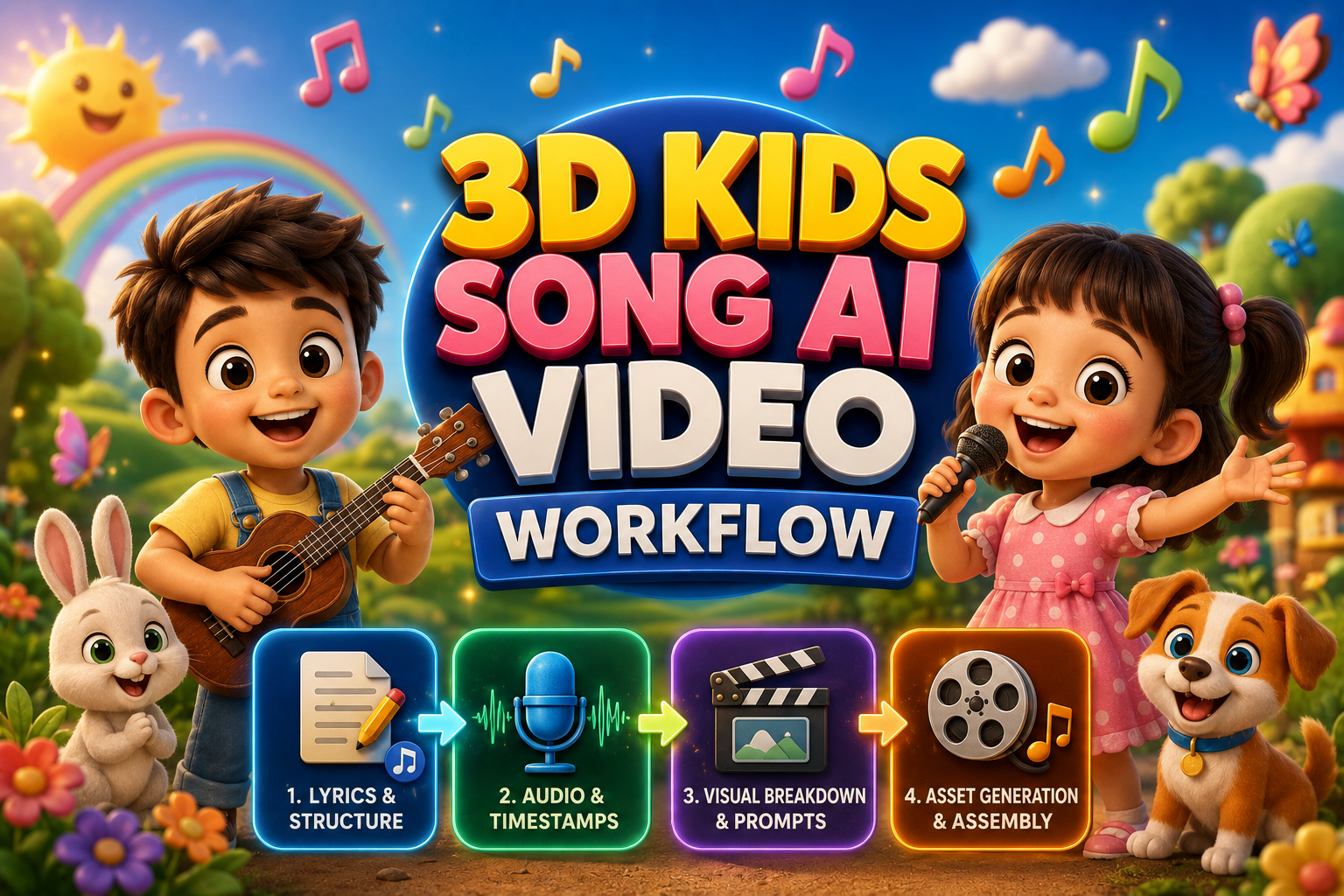
The Ultimate Guide to Creating 3D Kids Animation Song & Videos
Discover the easiest AI workflow to create vibrant 3D kids animation videos from scratch—no 3D modeling or animation experience needed.
Unlock the Secrets to Recreating Viral Motion Graphics with AI
Discover how to recreate viral motion graphics reels in minutes using AI, multimodal analysis, and next-gen video diffusion models.
How to Create 3D Cartoon Story Videos with AI For FREE (Full Workflow & Prompts)
Master the complete step-by-step pipeline to create viral Pixar-style 3D animated kids stories using Google Gemini, Google AI Studio, and Google Flow with zero budget.